AI Room Visualizer from a Photo
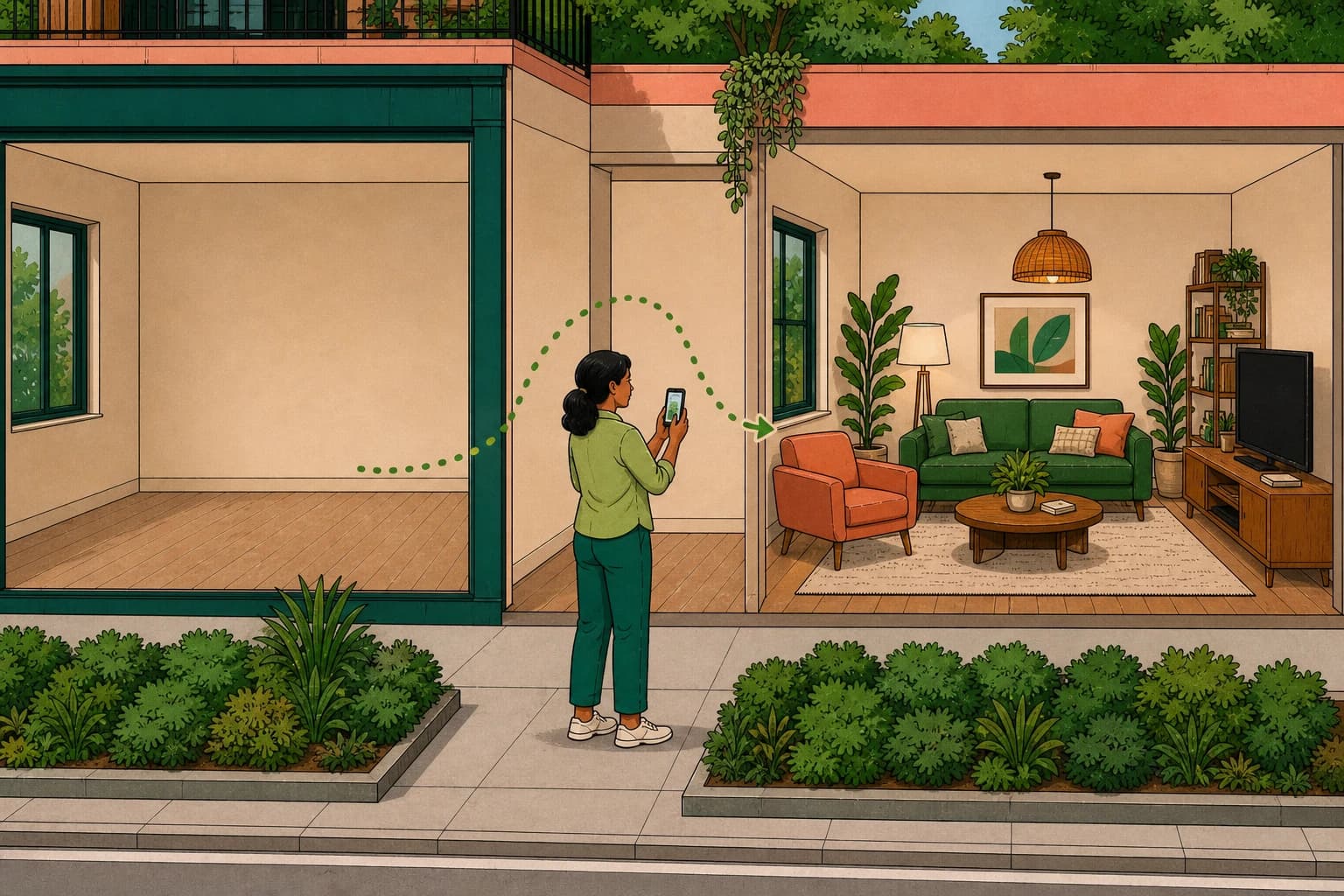
A useful room visualizer starts with your actual space. Upload a clear photo, describe the direction you want, and compare the result with the room you have today.
The short answer
AI room visualization can turn a real room photo into a practical visual direction. ShiputzAI applies that idea to selected products inside participating furniture and home-product stores.
When room visualization helps
Use it while an idea is still difficult to picture. It is especially helpful before buying a sofa, choosing flooring, approving cabinetry, or explaining a direction to a contractor.
- Start with a bright, wide photo of the room.
- Describe the room, style, colors, and materials you want.
- State what must stay unchanged, such as windows or the floor plan.
How to write a better request
Be specific instead of asking for a room that is simply modern. For example: a warm modern living room with light walls, natural oak, soft lighting, and the existing window layout preserved.
What to do after the image
Use the visualization to narrow the direction, then continue to product selection, layout planning, cost research, and conversations with professionals.
Frequently asked questions
What is an AI room visualizer?
It creates a proposed room design from a photo of your real space so you can compare the current room with a possible result.
Which rooms can I visualize?
Living rooms, kitchens, bedrooms, bathrooms, balconies, home offices, and other clearly photographed spaces.
Does it replace a designer or contractor?
No. It helps you clarify the direction and communicate it, while technical and structural decisions still belong with qualified professionals.
Keep ShiputzAI within easy reach
Add ShiputzAI as a preferred source so our practical guides have a better chance of appearing in your Google Top Stories results.