
Tap on the product page
Name, image, and variant are read from the current page.
The shopper stays on the product page, taps one button, and sees the product inside their room - without learning a new tool or leaving the buying journey.
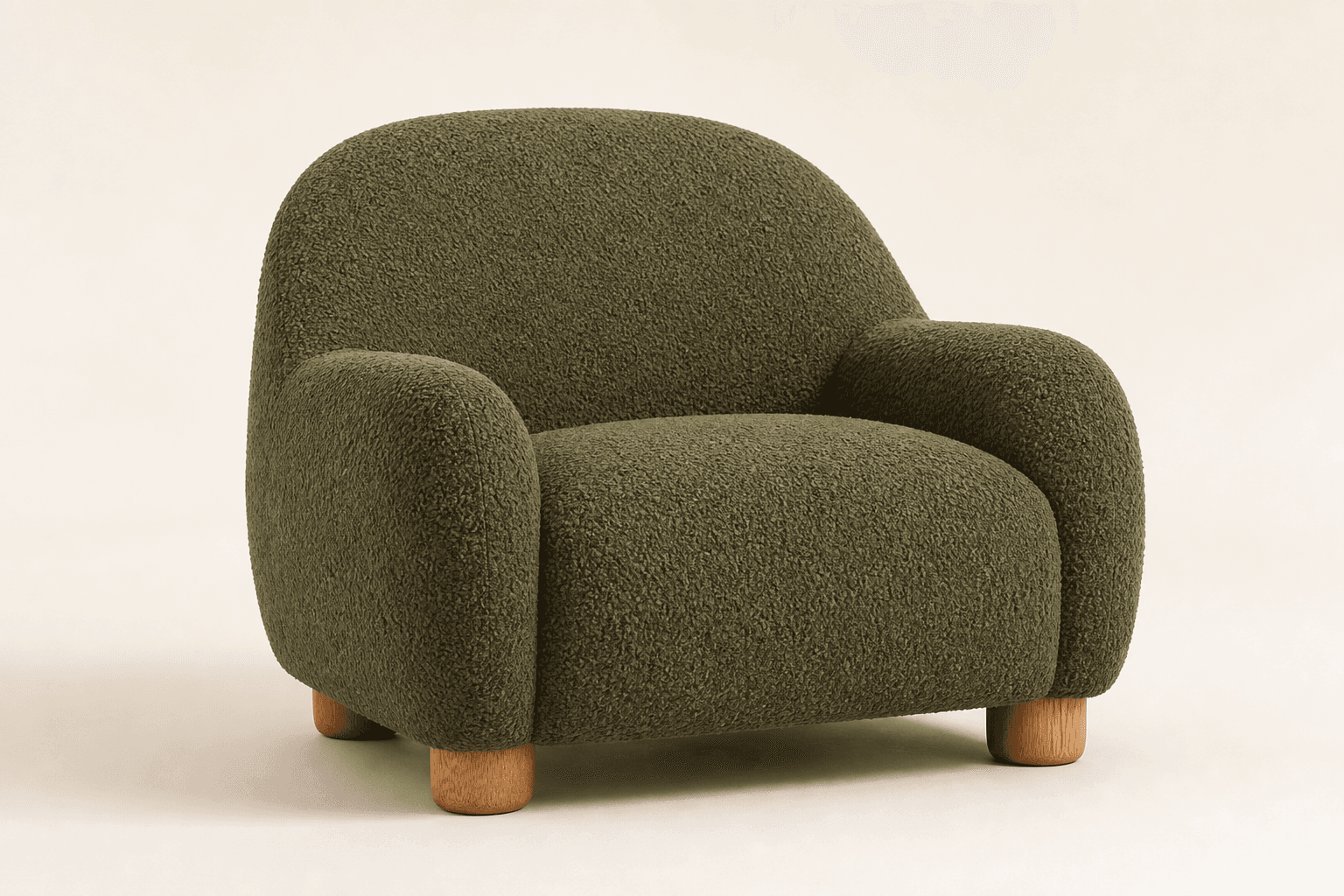
Click through a realistic Hebrew storefront, choose a variant, open the visualization, and continue all the way to the cart.
For illustration only: MORA living is a fictional store built for ShiputzAI, and the products and data shown in it are not real.
The product is already known. The shopper only uploads their room and chooses where they want to see it.
Name, image, and variant are read from the current page.
From mobile or desktop in a comfortable, branded window.
The product appears near the selected area and the shopper can continue buying.
Your store team does not need to build an API integration from scratch. Add one secure script, then we connect the catalog and verify the button before launch.
<script
  src="https://shipazti.com/embed/shiputzai-storefront-v1.js"
  data-store="your-store"
  async
></script>One asynchronous script loads without blocking the storefront.
We scan products, variants, and images and show exactly what needs attention.
We verify mobile and desktop placement against the store's design.
Start with approved products, usage limits, measurement, and controls.
If the service is unavailable, the existing buying journey keeps working.
Color, copy, and button placement are reviewed before launch.
Usage, limits, and results are visible in the business dashboard.
Add the loader through global Custom Code or an HTML widget. During the pilot we verify that product and variant IDs are exposed consistently.
The loader detects Product JSON-LD and common identifiers. Fully custom sites can expose short data attributes without redesigning the storefront.
Current Chrome, Edge, Firefox, and Safari releases, including mobile Chrome and Safari.
The loader is about 35.5KB raw and 8.9KB gzip, loads asynchronously, and does not block initial page rendering.
AI visualization is an illustrative aid intended to reduce uncertainty. Dimensions, color, and product specifications remain on the store's product page.


Choose one product for the pilot, approve the experience, and only then decide whether to move to a plan and expand the catalog.